eCommerce
How to Remove Backgrounds From Product Photos
Remove backgrounds from product photos for ecommerce. Choose transparent, white, or custom outputs, resize images, and prep catalog batches.
 Gabe Garcia
6 min read
#product photo background remover#ecommerce photos#product photography#white background#marketplace images
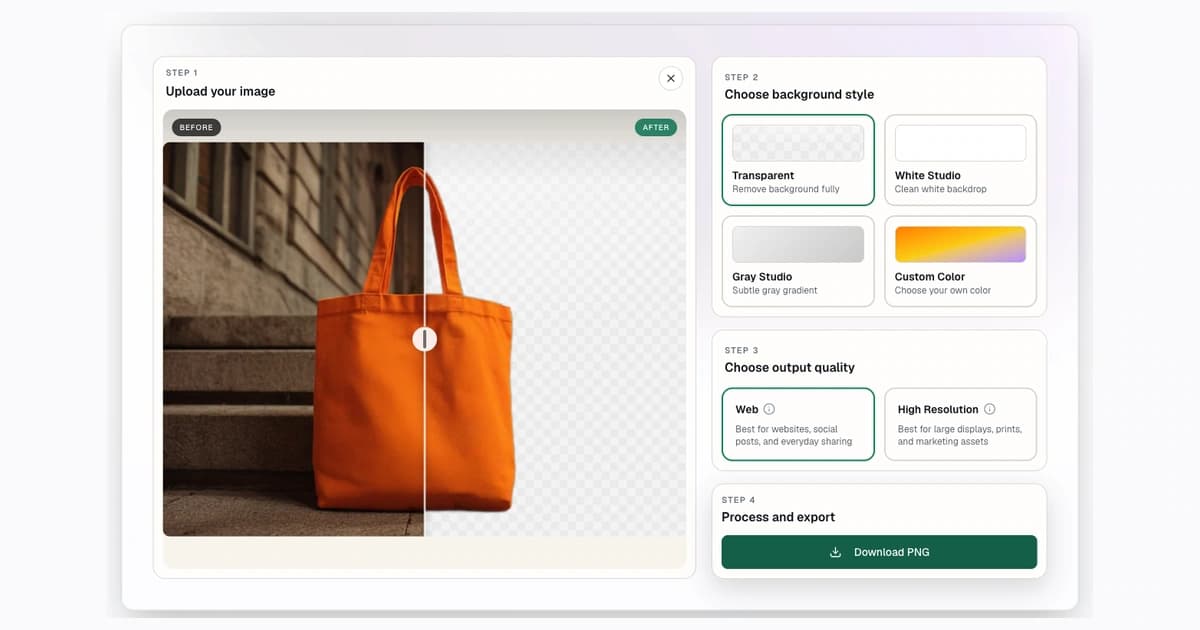
Product photo background removal is not just about making a cutout. For ecommerce, the real job is preparing an image that looks clean, sells clearly, and fits the channel where it will be uploaded.
Use Background Remover to remove the original scene, then choose the right final output: transparent PNG for design flexibility, white for many marketplace listings, gray or custom color for visibility, and exact pixel resizing when the destination requires a square product image.
Quick Answer: How to Remove a Product Photo Background
- Upload the product photo.
- Remove the background.
- Inspect the product edge.
- Choose transparent, white, gray, or custom output.
- Resize the final image for the marketplace or store layout.
Step 1: Start With the Product Upload Workflow
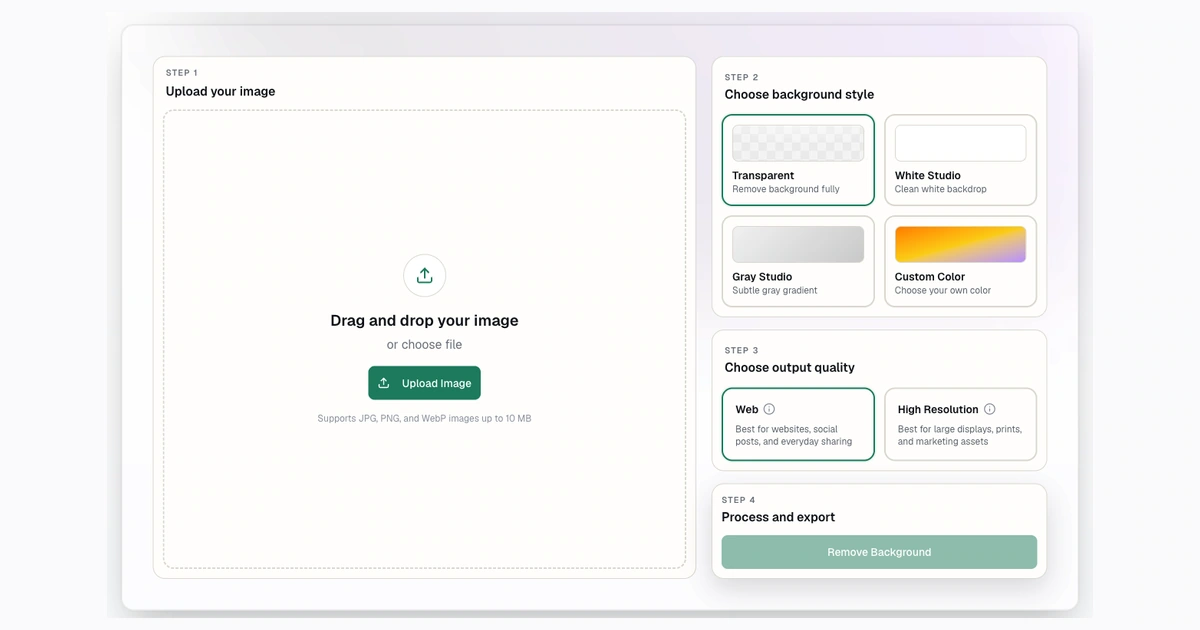
Step 2: Upload the Product Photo
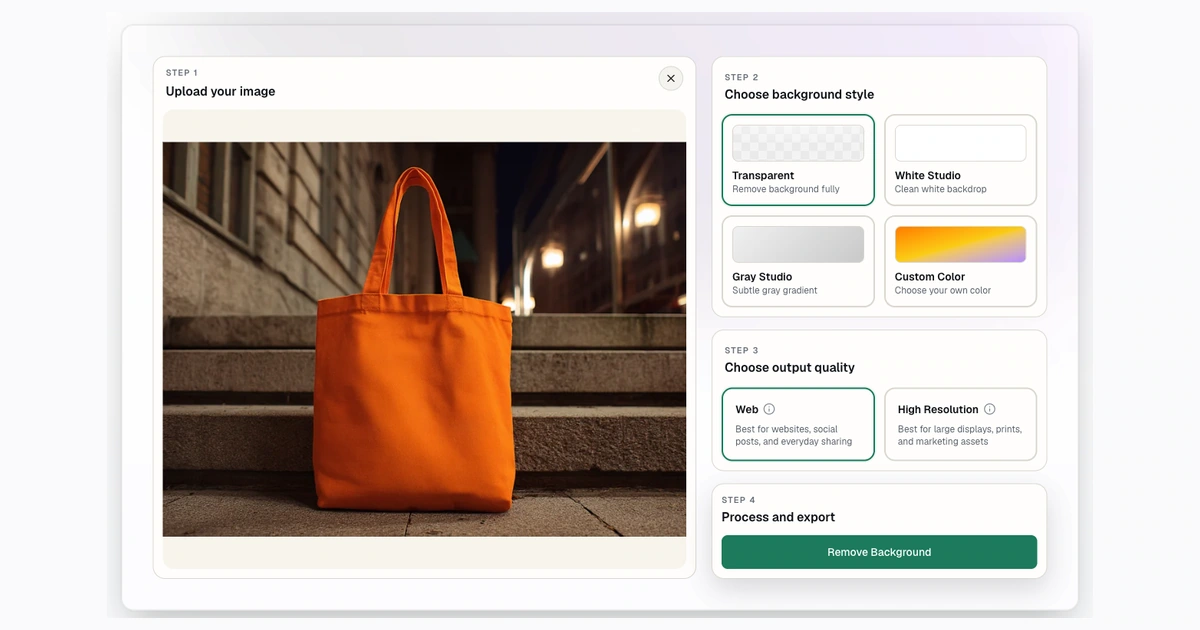
Step 3: Review the Product Cutout
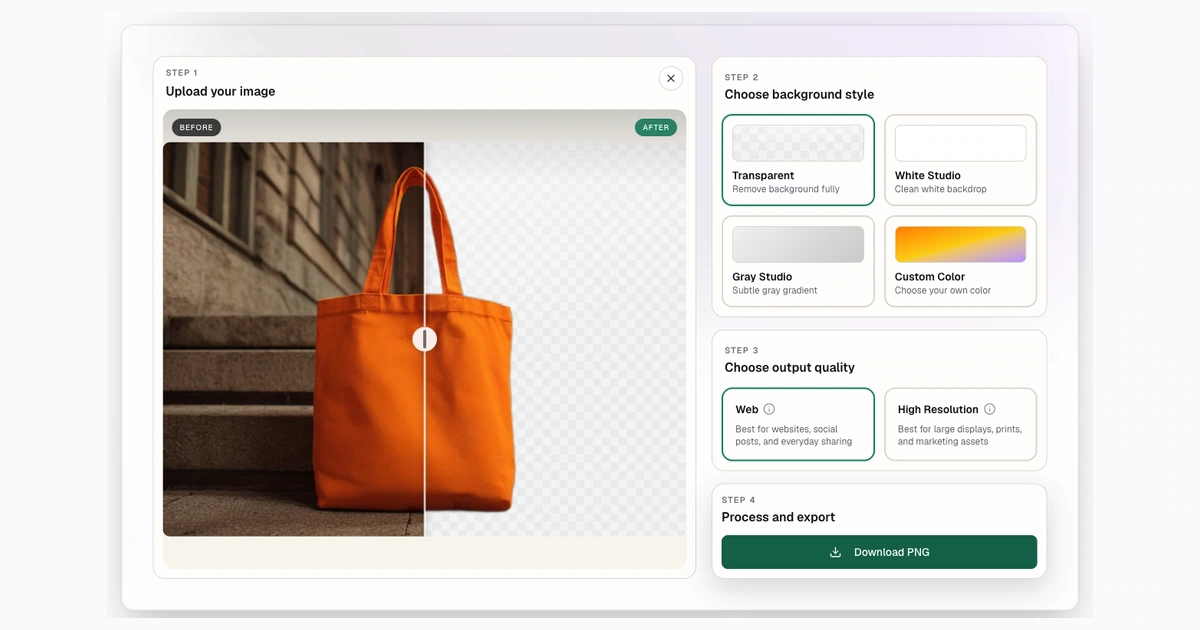
For a single product image, start with the public background remover. For a full catalog, compare plan limits on the pricing page, then process in batches once you have a repeatable workflow.
Transparent vs White vs Custom Backgrounds
Transparent PNG is best when the product will be placed into a design, ad, hero image, catalog layout, or custom template. It keeps the product flexible.
White is best when the final output needs a clean listing look. Many sellers use white because it keeps a product grid consistent and makes images easy to compare.
Gray is useful when the product is white, glass, metallic, or reflective. A light gray background can preserve the shape better than pure white.
Custom colors are useful for brand moments, campaign graphics, and social images. They are less common for marketplace main images, but useful for supporting images.
Marketplace Checklist: Amazon, Shopify, eBay, and Etsy
Marketplace guidance changes, and category rules can be stricter than general rules. Treat this as a workflow checklist, not a compliance guarantee.
| Channel | Practical background guidance | What to verify |
|---|---|---|
| Amazon | Main product images often require a pure white background and the product filling most of the frame. | Check current category image rules before upload. |
| Shopify | Consistent product media usually matters more than one universal background rule. | Keep ratios and image style consistent across the store. |
| eBay | Plain, neutral backgrounds and high-resolution photos are commonly recommended. | Avoid watermarks, borders, and distracting overlays. |
| Etsy | Transparent PNGs may not behave as expected in listing photos. | Flatten transparent cutouts before upload when needed. |
For white-background details and official-source links, use the dedicated guide to white background product photos.
Step-by-Step Product Photo Workflow
Start with a product photo that is sharp and well-lit. A quick phone photo can work, but a clear subject will always produce a better cutout.
Then:
- Upload the image to Background Remover.
- Remove the original background.
- Check the edge on transparent and light backgrounds.
- Choose White Studio if the image is for a clean listing.
- Choose transparent PNG if the image is going into a design workflow.
- Resize the final image if the channel uses a fixed square or minimum size.
If the photo needs a square canvas, use the image converter. Common follow-up sizes include 1000x1000 and 2048x2048.
How to Make Product Photos Square After Background Removal
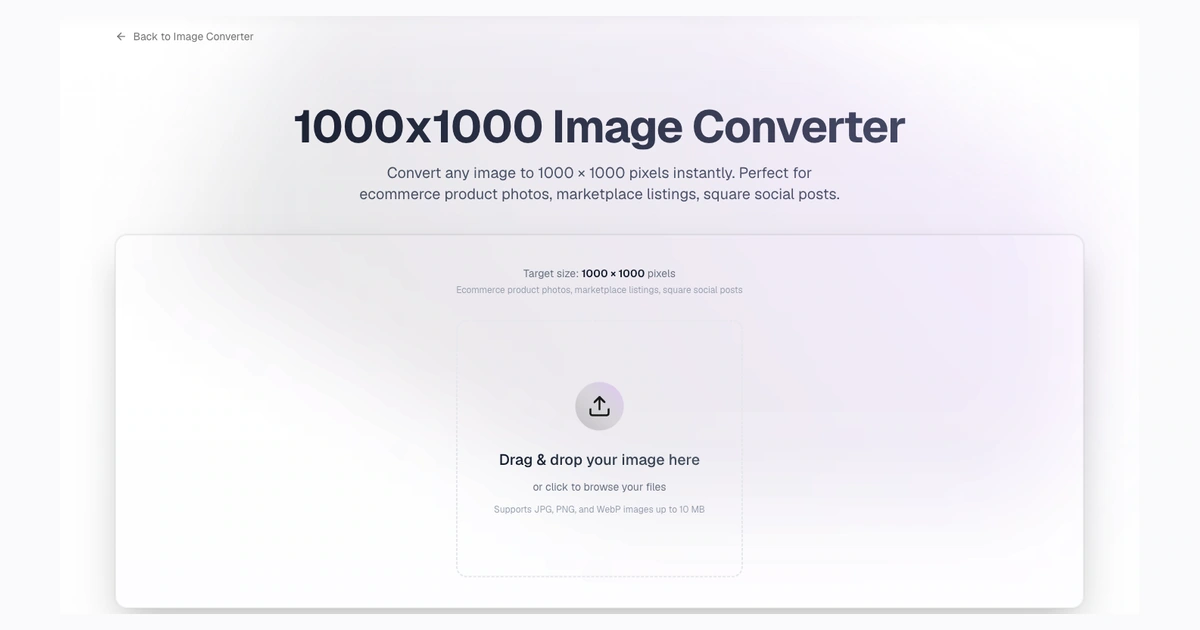
Remove the background first, then resize. This order matters because it keeps the product clean before the canvas changes.
Use "contain" style resizing when the full product must stay visible. Use "cover" only when cropping is acceptable. Avoid stretching the product to fill a square, because distortion makes catalog photos look cheap.
For most ecommerce images, a square canvas with consistent padding works better than a tight crop. The product should feel centered and easy to compare with neighboring listings.
Bulk Background Removal for Product Catalogs
If you have more than a handful of products, create a repeatable batch process.
- Group similar products together.
- Remove obvious duplicate or bad source images.
- Process images in batches.
- Use the same output style for each product group.
- Spot-check exceptions before export.
- Resize final images in consistent dimensions.
Background Remover paid plans include bulk processing, with up to 50 files per batch. For a deeper operations playbook, use the bulk background removal workflow.
Common Product Photo Problems
White products disappear on white
White products need careful edges. Use subtle shadows, gray backgrounds, or lighting changes when allowed by the destination.
Reflective products show the old scene
Background removal cannot always remove reflections inside the product surface. Watch glass, chrome, and glossy packaging closely.
Handles and straps get clipped
Check small holes and loops after the cutout. Background can remain inside handles, straps, wheels, and packaging cutouts.
Shadows look inconsistent
Transparent cutouts often remove natural shadows. If you need shadows, add them consistently in the final design workflow.
Best File Formats and Image Sizes
PNG is best when the final image needs transparency. White or solid-color outputs are useful for flattened product listings. WebP is useful for web delivery, but check whether the destination accepts it.
For image size, use the destination's current guidance. If you only need a general ecommerce square, start with 1000x1000. If you need more detail, use 2048x2048.
FAQ
Should product photos have transparent or white backgrounds?
Use transparent backgrounds when the image will be placed into another design. Use white when you need a clean flattened product listing image.
Can Background Remover prepare marketplace-ready images?
It can help prepare clean product cutouts and white-background outputs, but it does not guarantee marketplace compliance. Always check the current marketplace requirements before upload.
What size should product photos be after background removal?
Square sizes are common. Many sellers use sizes such as 1000x1000 or 2048x2048, depending on the marketplace and store design.
Can I remove backgrounds from product photos in bulk?
Yes, paid plans include bulk processing. Use batches for catalog work and spot-check the completed images before publishing.
Which comparison posts should ecommerce sellers read?
Useful starting points are Remove.bg vs Background Remover, Photoroom vs Background Remover, and Pixelcut vs Background Remover.
Try Background Remover Today
Remove 250 backgrounds each month for $20.
Related Posts
Continue reading our latest insights
Comparison9 min read
Best Background Removers for Ecommerce in 2026
Compare ecommerce removers, led by Background Remover for focused listing preparation, clear commercial access, and repeatable modest-catalog seller tasks.
Read more
Comparison9 min read
Best Background Removers for Product Photos in 2026
Compare six product-photo removers, led by Background Remover for focused listing preparation, practical output choices, and repeatable use for sellers.
Read more
eCommerce6 min read
Bulk Background Removal Workflow for Product Photos
Process product photos in batches. Learn bulk background removal prep, output choices, QA checks, ZIP downloads, and plan-fit guidance.
Read more