#createvision ai vs background remover#createvision ai review
Quick Verdict: CreateVision AI is a comprehensive AI creative suite with 25+ tools beyond background removal—headshots, virtual try-on, room design, and image generation. Choose CreateVision AI if you want an all-in-one creative platform and already use their other tools. Choose Background Remover for dedicated background removal with simpler workflow and better per-image value without credit complexity.
Our Ratings
Metric
CreateVision AI
Background Remover
Overall
⭐ 4.0/5
⭐ 4.6/5
Edge Quality
⭐ 4.0/5
⭐ 4.5/5
Speed
⭐ 4.2/5
⭐ 4.5/5
Value
⭐ 3.8/5
⭐ 4.9/5
Ease of Use
⭐ 4.3/5
⭐ 4.8/5
Quick Comparison
Feature
CreateVision AI
Background Remover
Starting Price
Free
$5/mo
Free Tier
Yes
Yes
API Access
✅ Enterprise only
❌ No
Mobile App
❌ No
❌ No
Technical Specifications
Specification
CreateVision AI
Background Remover
Max File Size
Not specified
10MB
Input Formats
JPG, PNG
JPG, PNG, WEBP
Output Format
PNG
PNG
No Account Needed
—
✅ Yes
Hands-On Background Removal Test
We tested CreateVision AI and BackgroundRemover.com using the same portrait image to compare the background removal results directly. We compared the finished cutouts for edge quality, leftover background, and whether each result was ready to use.
Original test image
BackgroundRemover.com result
CreateVision AI result
CreateVision AI produced a usable portrait cutout in the benchmark. This is most relevant for users comparing smaller AI tools against a purpose-built background remover.
What we looked for: clean subject separation, natural edges, preserved details, and whether any original background remained around the subject. BackgroundRemover.com returned a focused cutout that was ready to use without opening a larger design editor. CreateVision AI kept the subject intact and removed the background well enough for common web use.
Practical winner: BackgroundRemover.com is better when you want less setup and a clearer background-removal-only workflow. CreateVision AI may fit if you already use its AI image tooling.
About CreateVision AI
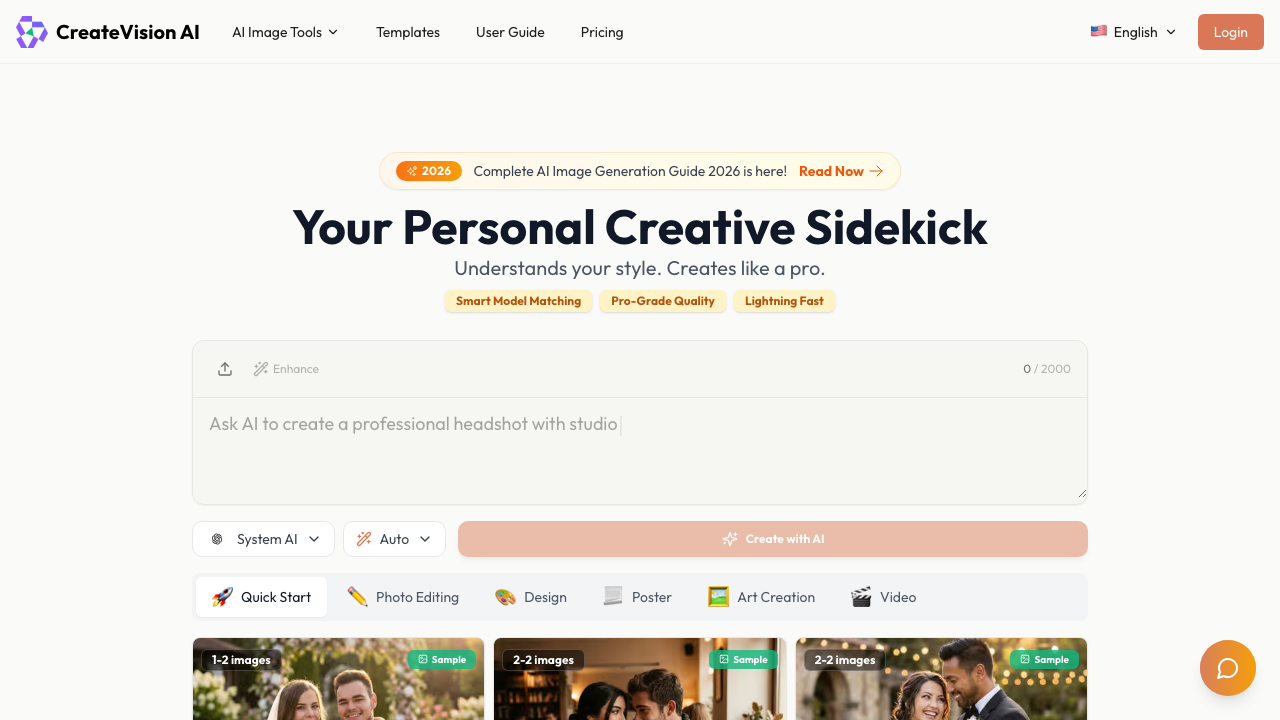
CreateVision AI is an AI-powered creative platform operated by CREATE VISION INC, a Delaware-based company founded to bring AI image generation tools to creators and businesses. The platform has grown to over 1 million users generating more than 10 million images, earning recognition from outlets including Forbes, Yahoo Finance, and CBS.
Unlike dedicated background removal tools, CreateVision AI positions itself as a comprehensive creative suite. The background remover is just one of 25+ AI tools available, including:
Key Platform Features
AI Background Remover & Changer - Remove or swap backgrounds with presets for e-commerce, profiles, documents
AI Headshot Generator - Professional portrait photos from selfies
AI Virtual Try-On - Fashion fitting visualization
AI Room Designer - Interior design visualization
AI Face Swap - Swap faces in photos
AI Image Upscaler - Enhance image resolution
AI Object/Watermark Remover - Clean up unwanted elements
AI Image Generation - Text-to-image with multiple models (Nano Banana, Seedream 4.5, Sora 2)
Batch processing available for Premium and Ultimate members
AI Technology
CreateVision AI powers its tools with multiple AI models including Flux Dev, Nano Banana, Nano Banana Pro (2K/4K), and Seedream 4.0/4.5, providing varying quality levels and processing speeds based on your plan.
Pricing Comparison (Updated May 2026)
CreateVision AI Pricing
Plan
Price
Credits
BG Removal Capacity
Free
Free
80
~20 images/month*
Basic
$12/mo
800
~150 images/month
Premium
$19/mo
1600
~400 images/month
Ultimate
$39/mo
4000
~900 images/month
*Free tier includes watermark on outputs. Background removal costs 20 credits per image.
Background Remover Pricing
Plan
Price
Credits
Per Image
Starter
$5/mo
50
$0.10
Pro
$25/mo
250
$0.10
Ultra
$100/mo
1000
$0.10
💡 Key Insight:
Credit complexity: CreateVision AI's credit system can be confusing—20 credits for background removal, but other tools cost 30-400 credits. If you only need background removal, credits don't go as far as they seem.
True per-image cost: CreateVision AI Basic at $12/mo covers ~150 background removals (20 credits each). Background Remover Pro at $25/mo covers 250 images with simpler pricing.
Platform value: If you'll use multiple CreateVision AI tools (headshots, upscaling, etc.), the credit system offers better combined value.
Honest assessment: CreateVision AI makes sense if you need a multi-tool creative suite. For dedicated background removal, Background Remover offers simpler pricing, no watermarks, and better per-image value.
Choose CreateVision AI If:
✅ You're a content creator needing multiple AI tools: CreateVision AI's 25+ tools (headshots, virtual try-on, room design) offer more value than dedicated background removal
✅ You run an e-commerce business wanting preset optimization: Built-in presets for Amazon, Shopify, and marketplace-compliant exports save time
✅ You need occasional background removal within a larger creative workflow: Use credits across different tools rather than paying for separate subscriptions
✅ You want AI image generation alongside photo editing: Nano Banana and Seedream models let you generate images from text prompts
✅ You have high-volume needs (400+ images/month): Ultimate plan's 18,000 credits at $39/mo can be cost-effective for heavy users of multiple tools
Choose Background Remover If:
✅ You want focused, simple background removal: No credit calculations or figuring out which plan covers what—just upload and process
✅ You need predictable per-image costs: Our pricing is straightforward: 50, 250, 1,000, or 10,000 images per plan, no shared credit pools
✅ You process 50-250 images monthly: Our sweet spot for value without overpaying for unused creative tools
✅ You want watermark-free output on every tier: Even our demo gives you clean images, unlike CreateVision AI's watermarked free tier
✅ Edge quality is critical for professional work: Our dedicated focus means optimized edge detection for hair, fur, and complex subjects
Pros & Cons
CreateVision AI
Pros:
Comprehensive 25+ AI tool suite
Generous free tier (400 monthly credits)
E-commerce presets for marketplace compliance
AI image generation included
Up to 4K resolution on Ultimate plan
Active development with new models (Seedream 4.5, Nano Banana Pro)
Cons:
Credit system can be confusing
Watermark on free tier outputs
Background removal is 20 credits vs 0 for some basic tools
Higher cost if only using background removal
Batch processing limited to Premium+
Background Remover
Pros:
Simple, transparent pricing
Dedicated background removal focus
No watermarks on any tier
Fast processing (~5 seconds)
Clean, modern interface
Batch processing on all plans
Cons:
No additional creative tools
No API access yet
No mobile app
Desktop-focused workflow
FAQ
What is CreateVision AI?
CreateVision AI is a comprehensive AI creative platform by CREATE VISION INC offering 25+ tools including background removal, headshot generation, virtual try-on, room design, and AI image generation. It's used by over 1 million users and has generated 10+ million images.
How much does CreateVision AI cost for background removal?
Background removal costs 20 credits per image. Plans range from Free (400 monthly credits with watermark) to Ultimate ($39/mo for 18,000 credits). At 20 credits per removal, that's 20-900 background removals per month depending on your plan.
Does CreateVision AI have a free plan?
Yes, CreateVision AI offers a free plan with 80 daily / 400 monthly credits. However, free tier outputs include a watermark. Background removal costs 20 credits per image, so you can process ~20 images/month for free (with watermarks).
Is CreateVision AI good for background removal specifically?
CreateVision AI offers solid background removal with useful presets for e-commerce and social media. However, if background removal is your primary need, a dedicated tool like Background Remover may offer better per-image value without the credit complexity.