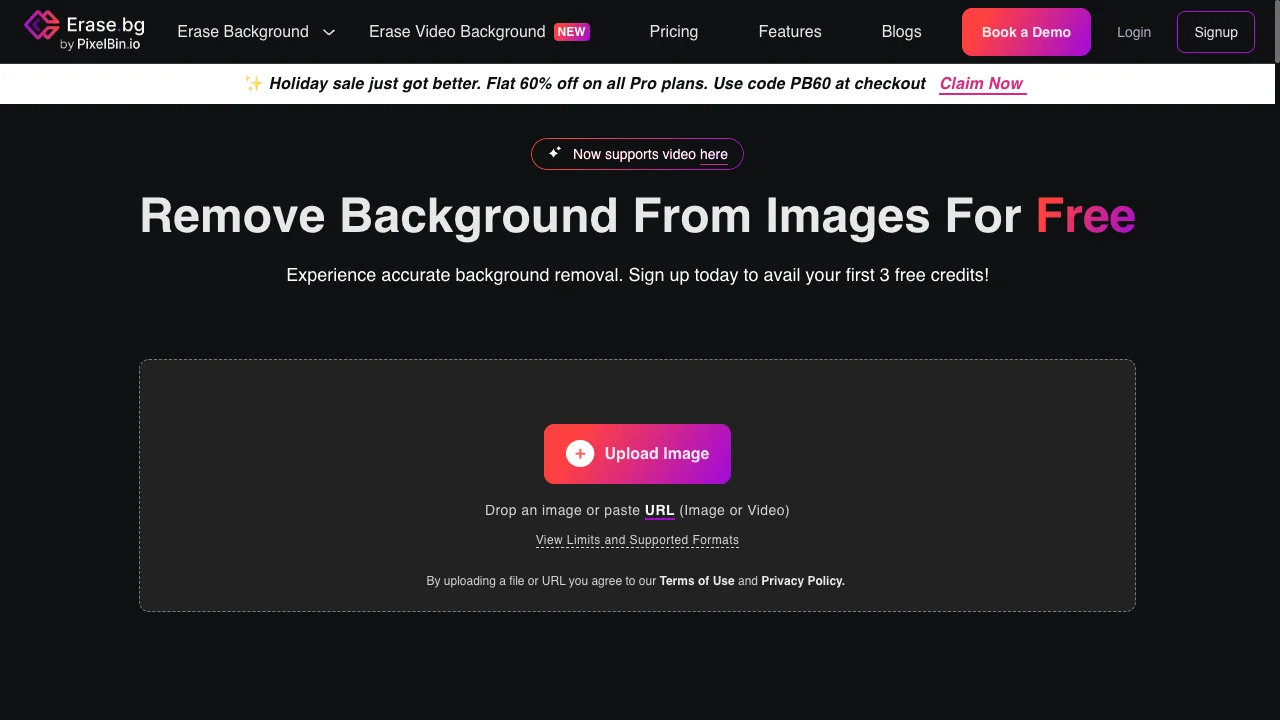
#erase.bg alternative#erase.bg vs background remover#erase.bg pricing#erase.bg review#free background remover
Quick Verdict: Erase.bg offers flexible pay-as-you-go pricing with credits valid for 1 year and API access. At 1000 images, Erase.bg ($30 one-time = $0.03/image) beats Background Remover's best rate ($0.10/image). Choose Erase.bg for pay-as-you-go flexibility and high volumes. Choose Background Remover for predictable monthly costs at 50-250 images.
Our Ratings
Metric
Erase.bg
Background Remover
Overall
⭐ 4.1/5
⭐ 4.6/5
Edge Quality
⭐ 4/5
⭐ 4.5/5
Speed
⭐ 4.4/5
⭐ 4.5/5
Value
⭐ 4.3/5
⭐ 4.9/5
Ease of Use
⭐ 4.7/5
⭐ 4.8/5
Quick Comparison
Feature
Erase.bg
Background Remover
Starting Price
$5
$5/mo
Free Tier
Yes
Yes
API Access
✅ Yes
❌ No
Mobile App
✅ Yes (iOS & Android)
❌ No
Technical Specifications
Specification
Erase.bg
Background Remover
Max File Size
100MB (upload), 25MB (transformations)
10MB
Input Formats
JPG, PNG, WEBP
JPG, PNG, WEBP
Output Format
PNG, JPG
PNG
No Account Needed
❌ No
✅ Yes
Hands-On Background Removal Test
We tested Erase.bg and BackgroundRemover.com using the same portrait image to compare the background removal results directly. We compared the finished cutouts for edge quality, leftover background, and whether each result was ready to use.
Original test image
BackgroundRemover.com result
Erase.bg result
Erase.bg produced a usable portrait cutout in the hands-on sample. The broader constraint is access and credits, since the test notes mention credits can run out and require returning later.
What we looked for: clean subject separation, natural edges, preserved details, and whether any original background remained around the subject. BackgroundRemover.com returned a focused cutout that was ready to use without opening a larger design editor. Erase.bg separated the portrait clearly and kept the result usable for a profile or product-style image.
Practical winner: BackgroundRemover.com is easier to recommend when you need a repeatable workflow with clear monthly capacity. Erase.bg can work well for occasional removals.
About Erase.bg
Erase.bg is an AI-powered background removal tool owned by Shopsense Retail Technologies Limited (India) and part of the PixelBin platform. The tool uses advanced AI trained by experienced machine learning engineers to automatically remove backgrounds from images in approximately 5 seconds. Erase.bg serves individuals, agencies, and e-commerce companies globally.
Key Features
Pay-as-you-go pricing - Credits valid for 1 year, no subscription required
Bulk processing - Process multiple images at once in batch mode
Video background removal - NEW feature for video content (via PixelBin)
Mobile apps - Native iOS and Android applications available
API access - Integration available via PixelBin API for developers
Credit validity - Credits are valid for 1 year from purchase
Multiple output formats - Export as PNG or JPG
Pricing Comparison (Updated May 2026)
Erase.bg Pricing
Plan
Price
Credits
Per Image
Free
Free
3
$0.00
10 Credits
$5
10
$0.50
100 Credits
$20
100
$0.20
1000 Credits
$30
1000
$0.03
Background Remover Pricing
Plan
Price
Credits
Per Image
Starter
$5/mo
50
$0.10
Pro
$25/mo
250
$0.10
Ultra
$100/mo
1000
$0.10
💡 Key Insight:
Pay-as-you-go flexibility: Erase.bg lets you buy credits once and use them anytime. Credits are valid for 1 year with no monthly commitment.
Low volume (50 images): Background Remover wins at $5/mo for 50 images vs Erase.bg's $5 for 10 credits
High volume pricing: At 1000 images, Erase.bg's $0.03/image ($30 one-time) beats our $0.10/image ($100/mo)
Subscription vs one-time: Background Remover offers predictable monthly costs. Erase.bg offers flexibility and better rates at volume.
The honest comparison: For 1000 images, you'd pay $30 once with Erase.bg vs $100/mo with us. That's a significant savings for high-volume, non-recurring needs.
Choose Erase.bg If:
✅ You're a developer integrating background removal via the PixelBin API: Erase.bg's parent platform provides a comprehensive image transformation API with 300 requests/minute rate limits and extensive SDK support.
✅ You have sporadic, high-volume needs and prefer pay-as-you-go over subscriptions: Buy 1000 credits for $30 ($0.03/image), use them whenever you need within 1 year—no monthly fees when you're not using the service.
✅ You need video background removal in addition to images: Erase.bg (via PixelBin) supports video processing, making it a more complete solution for content creators working with both media types.
✅ You're building an e-commerce platform and want an all-in-one image transformation pipeline: PixelBin offers background removal, resizing, cropping, watermarking, and CDN delivery in one integrated platform.
✅ Your team needs both mobile and desktop workflows: Erase.bg offers native iOS and Android apps plus web access, letting team members work from any device without API integration.
Choose Background Remover If:
✅ You want a simple, focused web tool without learning the PixelBin ecosystem: Background Remover does one thing—remove backgrounds—without requiring you to understand a broader platform or its various transformation APIs.
✅ You prefer predictable monthly billing over tracking credit balances and expiration dates: With Background Remover's subscription, you know exactly what you'll pay each month. No anxiety about credits expiring or running out unexpectedly.
✅ You process 50-250 images monthly and want the best value at that range: At $5/mo for 50 images or $25/mo for 250, Background Remover offers better per-image value than Erase.bg's lower credit tiers ($5 for only 10 images).
✅ You want to preview and adjust results in real-time before downloading: Background Remover's visual interface lets you see exactly what you're getting, while API-based tools require additional steps to view outputs.
✅ You don't need API access and prefer browser-based simplicity: No developer resources needed, no API keys to manage, no integration work—just upload images and download results in seconds.
Pros & Cons
Erase.bg
Pros:
Pay-as-you-go pricing with credits valid for 1 year
Great value at volume ($0.03/image at 1000 credits)
Mobile apps available (iOS & Android)
Video background removal support (NEW)
API available via PixelBin platform
Credits valid for 1 year (pay-as-you-go)
Cons:
Signup required for all use (3 free credits to start)
No subscription option for predictable billing
Part of larger PixelBin ecosystem (can be complex)
Background Remover
Pros:
Best value for high-volume teams
Clean, modern interface
Fast processing (5 seconds)
Reliable batch processing
Straightforward pricing
Cons:
No mobile app yet
No API access
Desktop-focused workflow
FAQ
Is Erase.bg free?
Erase.bg offers 3 free credits when you sign up. Additional credits start at $5 for 10 credits, with better value at higher volumes ($30 for 1000 credits). Credits are valid for 1 year.
How does Erase.bg compare to Background Remover?
Erase.bg offers pay-as-you-go flexibility with higher per-image rates at low volumes but better rates at high volumes (1000+ images). Background Remover offers predictable monthly subscription pricing that's better value at 50-250 images/month.
Does Erase.bg have an API?
Yes, Erase.bg offers API access via the PixelBin platform. Rate limits are 300 requests per minute for AI transformations.
Does Erase.bg have a mobile app?
Yes, Erase.bg offers native mobile apps for both iOS and Android.