#pixcut vs background remover#wondershare pixcut alternative#pixcut review#pixcut background remover
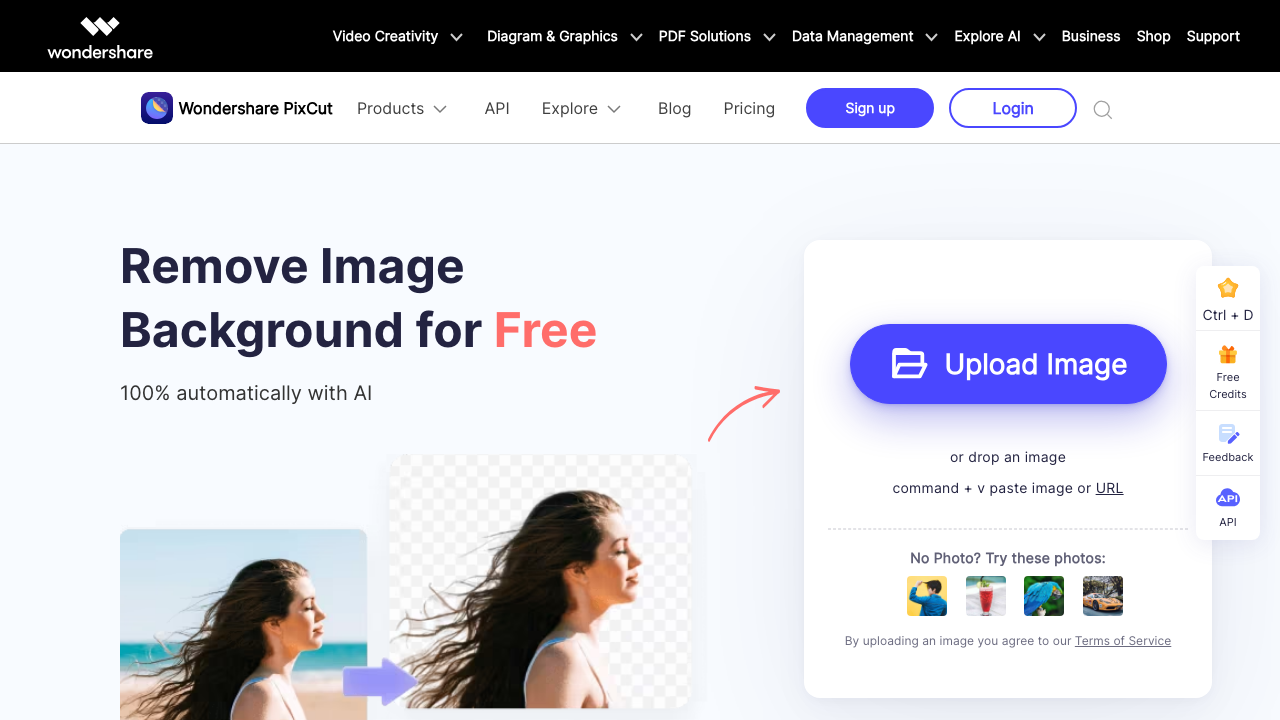
Quick Verdict: Wondershare PixCut background remover is backed by Wondershare (makers of Filmora, PDFelement, and Recoverit) with multi-platform support: web, Windows, Mac, Android, plus Figma and Shopify plugins for design workflows. It also offers up to 8x image enlargement and watermark removal. At $0.09-$0.14/image on monthly Pro tiers, it fits existing Wondershare users. Background Remover at $5/mo ($0.10/image) delivers focused transparent PNG cutouts with larger batch processing (50 vs 20 images). Choose PixCut if you already use Wondershare products or need Figma/Shopify integration. Choose Background Remover for better per-image value and larger batches.
Naming note: Wondershare PixCut is different from Pixelcut/Pixa. If you searched for PixCut background remover, this page covers Wondershare PixCut rather than Pixa Background Remover.
Our Ratings
Metric
Wondershare Pixcut
Background Remover
Overall
⭐ 3.9/5
⭐ 4.6/5
Edge Quality
⭐ 4/5
⭐ 4.5/5
Speed
⭐ 4.2/5
⭐ 4.5/5
Value
⭐ 3.8/5
⭐ 4.9/5
Ease of Use
⭐ 4.4/5
⭐ 4.8/5
Quick Comparison
Feature
Wondershare Pixcut
Background Remover
Starting Price
$6.99/mo
$5/mo
Free Tier
Yes
Yes
API Access
✅ Yes
❌ No
Mobile App
✅ Android
❌ No
Technical Specifications
Specification
Wondershare Pixcut
Background Remover
Max File Size
15MB
10MB
Input Formats
JPG, PNG, JPEG, BMP, GIF
JPG, PNG, WEBP
Output Format
PNG
PNG
No Account Needed
—
✅ Yes
Hands-On Background Removal Test
We tested Wondershare PixCut and BackgroundRemover.com using the same portrait image to compare the background removal results directly. We compared the finished cutouts for edge quality, leftover background, and whether each result was ready to use.
Original test image
BackgroundRemover.com result
Wondershare PixCut result
Wondershare PixCut produced a usable portrait cutout in the benchmark. Its brand ecosystem may matter for users already using Wondershare tools.
What we looked for: clean subject separation, natural edges, preserved details, and whether any original background remained around the subject. BackgroundRemover.com returned a focused cutout that was ready to use without opening a larger design editor. Wondershare PixCut kept the portrait usable and removed the background cleanly in the sample.
Practical winner: BackgroundRemover.com is better for users who want a focused web tool without adopting a broader software ecosystem. PixCut is reasonable for Wondershare users.
About Wondershare Pixcut
Wondershare Pixcut is an AI-powered background removal tool from Wondershare, a global software company known for products like Filmora, PDFelement, and Recoverit. Pixcut offers web, desktop (Windows/Mac), mobile (Android), and integrations for Figma and Shopify.
Key Features
AI Background Removal - Automatic with content-aware detection
Photo Enhancer - Enlarge images up to 8x without quality loss
Watermark Remover - Remove watermarks, objects, text, and scratches
API Access - Background removal API with app key authentication
Supported Image Requirements
Background removal: JPG, PNG, JPEG, BMP, GIF up to 15MB
Image enlarging: JPG, PNG, JPEG, BMP up to 8MB
Clear subject with good lighting recommended for best results
Pricing Comparison (Updated July 2026)
Wondershare Pixcut Pricing
Plan
Price
Credits
Per Image
Notes
Free
Free
5
$0.00
Standard quality only
Monthly Pro (50 credits)
$6.99/mo
50
$0.14
High-quality downloads
Monthly Pro (80 credits)
$9.99/mo
80
$0.12
High-quality downloads
Monthly Pro (200 credits)
$18.99/mo
200
$0.095
High-quality downloads
Monthly Pro (500 credits)
$45.99/mo
500
$0.092
High-quality downloads
Monthly Pro (1000 credits)
$89.99/mo
1000
$0.09
Best monthly value
Wondershare Pixcut Pay-As-You-Go Credits
Plan
Price
Credits
Per Image
Pay-as-you-go (5 credits)
$4.99
5
$1.00
Pay-as-you-go (10 credits)
$8.99
10
$0.90
Pay-as-you-go (80 credits)
$28.99
80
$0.36
Pay-as-you-go (200 credits)
$49.99
200
$0.25
Pay-as-you-go (500 credits)
$99.99
500
$0.20
Credits used for high-quality downloads. 30-day money-back guarantee.
Background Remover Pricing
Plan
Price
Credits
Per Image
Starter
$5/mo
50
$0.10
Pro
$25/mo
250
$0.10
Ultra
$100/mo
1000
$0.10
💡 Key Insight: Background Remover offers better value with plans starting at $5/mo for 50 images. Compare pricing carefully based on your monthly volume needs.
Choose Wondershare Pixcut If:
✅ You're already in the Wondershare ecosystem: If you use Filmora, PDFelement, or Recoverit, Pixcut integrates smoothly with Wondershare's unified account and support system
✅ You're a designer using Figma for UI/UX work: Pixcut's Figma plugin lets you remove backgrounds directly within your design workflow without leaving the app
✅ You're a Shopify merchant wanting integrated product editing: The Shopify plugin processes product images directly from your store admin panel
✅ You need image enlargement alongside background removal: Pixcut's AI enlarger scales images up to 8x without quality loss—useful for print materials or social media graphics
✅ You need watermark and object removal: Beyond background removal, Pixcut removes watermarks, scratches, and unwanted objects from images
Choose Background Remover If:
✅ You want better per-image value: Background Remover at $5/mo for 50 images ($0.10/image) beats Pixcut's $6.99/mo for 50 images ($0.14/image) at entry level
✅ You need larger batch processing capacity: Background Remover handles 50 images per batch vs Pixcut's 20-image limit—more efficient for catalog photography
✅ You prefer a simpler, focused tool: Background Remover does one thing exceptionally well without navigating enlargement, watermark removal, and multiple platform options
✅ You don't need API integration: Background Remover keeps the workflow in the browser instead of requiring an app key or API setup
✅ You don't need Wondershare ecosystem integration: If you're not using other Wondershare products, there's no benefit to staying within their ecosystem