#remove-background.com alternative#remove-background.com vs background remover#best background remover 2026#remove-background.com pricing#remove-background.com review
Quick Verdict: Remove-Background.com stands out with AI-generated custom backgrounds—you can create new backgrounds with AI, not just remove them—plus credit rollover up to 3x your monthly allocation. Starting at $49.95/mo for 200 credits ($0.25/image), it's positioned for users who want creative backgrounds without sourcing stock photos. Background Remover at $5/mo ($0.10/image) offers better per-image value for pure background removal. Choose Remove-Background.com if you want AI-generated replacement backgrounds and don't mind premium pricing. Choose Background Remover if you need clean transparent backgrounds at a fraction of the cost.
Our Ratings
Metric
Remove-Background.com
Background Remover
Overall
⭐ 4.3/5
⭐ 4.6/5
Edge Quality
⭐ 4.3/5
⭐ 4.5/5
Speed
⭐ 4.4/5
⭐ 4.5/5
Value
⭐ 3.7/5
⭐ 4.9/5
Ease of Use
⭐ 4.5/5
⭐ 4.8/5
Quick Comparison
Feature
Remove-Background.com
Background Remover
Starting Price
$49.95/mo
$5/mo
Free Tier
Yes
Yes
API Access
❌ No
❌ No
Mobile App
❌ No
❌ No
Technical Specifications
Specification
Remove-Background.com
Background Remover
Max File Size
Not specified
10MB
Input Formats
JPG, PNG, WEBP
JPG, PNG, WEBP
Output Format
PNG
PNG
No Account Needed
—
✅ Yes
Hands-On Background Removal Test
We tested Remove-Background.com and BackgroundRemover.com using the same portrait image to compare the background removal results directly. We compared the finished cutouts for edge quality, leftover background, and whether each result was ready to use.
Original test image
BackgroundRemover.com result
Remove-Background.com result
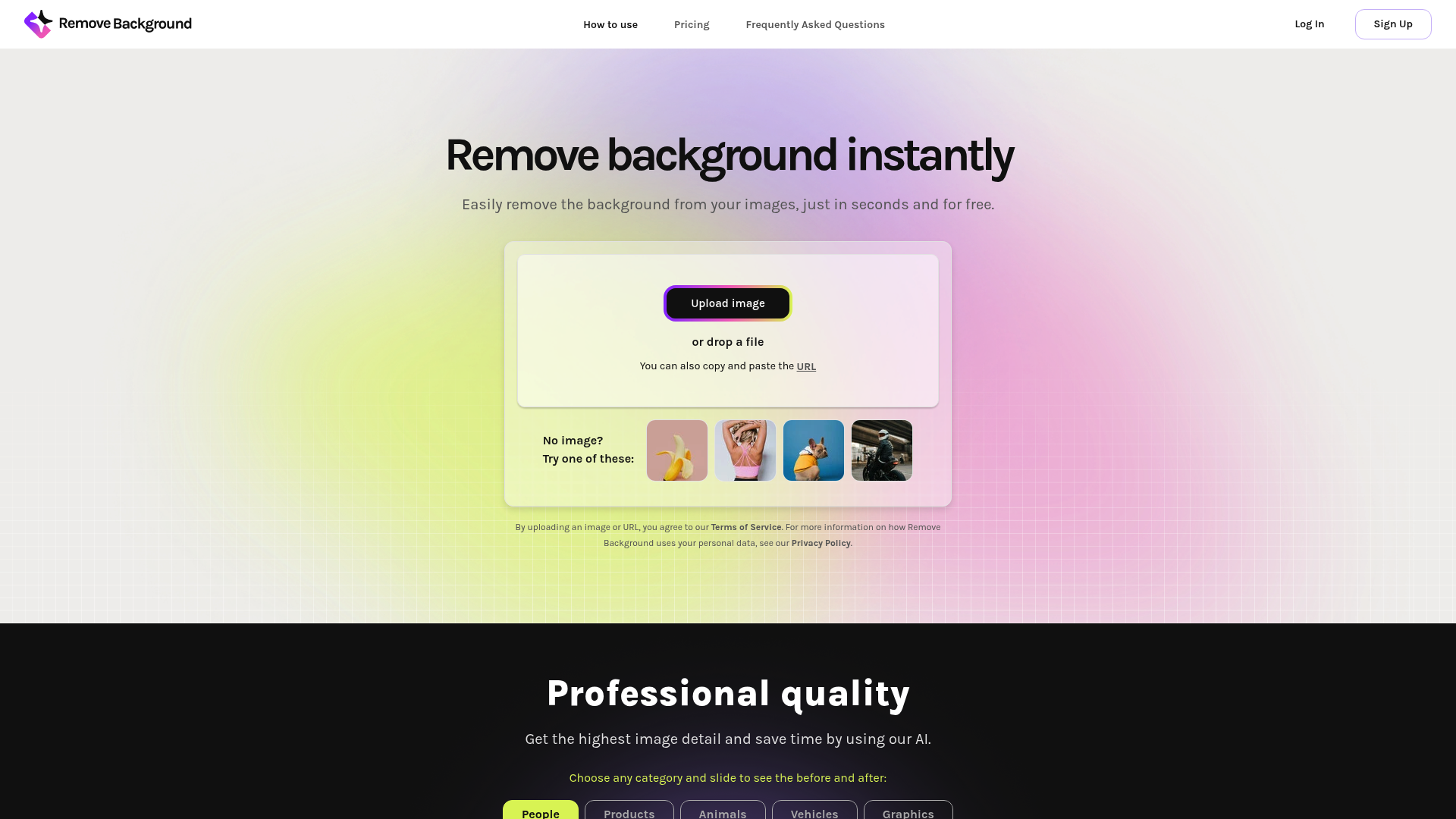
Remove-Background.com produced a usable portrait cutout. Because its name is so close to the category keyword, hands-on evidence is useful for separating the tool from generic search results.
What we looked for: clean subject separation, natural edges, preserved details, and whether any original background remained around the subject. BackgroundRemover.com returned a focused cutout that was ready to use without opening a larger design editor. Remove-Background.com kept the main subject intact and removed the studio background cleanly enough for common use.
Practical winner: BackgroundRemover.com is better when you want a polished workflow built around repeated cutout production. Remove-Background.com can work for occasional removals.
About Remove-Background.com
Remove-Background.com is an AI-powered background removal tool that stands out with its AI background generation feature. The platform offers credit rollover and bulk processing capabilities.
Key Features
AI background removal with good edge detection
AI-generated custom backgrounds
Credit rollover system (up to 3x monthly credits)
Bulk image upload support
Editing tools (resize, crop, rotate)
Supports JPG, PNG, and WEBP formats
Pricing Comparison (Updated May 2026)
Remove-Background.com Pricing
Plan
Price
Credits
Per Image
Trial
$0.75
10
$0.075
200 credits
$49.95/mo
200
$0.25
500 credits
$105/mo
500
$0.21
1000 credits
$186/mo
1000
$0.19
2000 credits
$351/mo
2000
$0.18
5000 credits
$586/mo
5000
$0.12
Note: Credits carry over up to 3x monthly amount. Auto-renews to $49.95/mo after trial.
Background Remover Pricing
Plan
Price
Credits
Per Image
Starter
$5/mo
50
$0.10
Pro
$25/mo
250
$0.10
Ultra
$100/mo
1000
$0.10
💡 Key Insight: Background Remover offers significantly better value across all volume tiers. Even at Remove-Background.com's highest volume (5000 credits at $0.12), Background Remover's Ultra plan delivers better per-image pricing at $0.10.
Choose Remove-Background.com If:
✅ You need AI-generated custom backgrounds
✅ You value credit rollover (accumulate up to 3x monthly)
✅ You process 5000+ images monthly at scale
✅ You want integrated editing tools (resize, crop, rotate)
✅ You need a single platform for removal and background creation
Choose Background Remover If:
✅ You want the best price-per-image value
✅ You process 50-1,000 images per month
✅ You prefer simple, transparent pricing
✅ You need fast, reliable batch processing (5 seconds)
✅ You want a focused tool dedicated to background removal
✅ You're budget-conscious and want maximum value
Pros & Cons
Remove-Background.com
Pros:
Unique AI background generation feature
Credit rollover system (up to 3x)
Good edge detection quality
Integrated editing tools
Bulk upload support
Free low-res preview available
Cons:
Expensive entry point ($49.95/mo minimum)
Higher per-image cost ($0.12-0.25)
Auto-renewal from trial can catch users off guard
No API access for developers
Credits expire after 3x rollover limit
Background Remover
Pros:
Best value for high-volume teams
Low entry point ($5/mo)
Fast processing (5 seconds)
Clean, modern interface
Reliable batch processing
Straightforward pricing with no surprises
Cons:
No AI background generation
No credit rollover system
No mobile app yet
No API access
Credits don't carry over monthly
FAQ
Is Remove-Background.com better than Background Remover?
Remove-Background.com excels if you need AI-generated backgrounds and credit rollover. However, Background Remover offers superior value at $0.10 per image vs $0.12-0.25, with faster processing and simpler pricing. That makes it better for most users focused on background removal.
How much does Remove-Background.com cost?
Remove-Background.com ranges from $49.95/month for 200 images ($0.25 each) to $586/month for 5000 images ($0.12 each). There's a $0.75 trial for 7 days (10 credits) that auto-renews to the 200-credit plan.
Does Remove-Background.com have a free plan?
Remove-Background.com offers a $0.75 trial for 7 days with 10 credits. You can use the editor for free to preview low-resolution results, but high-resolution downloads require a paid subscription.
What is unique about Remove-Background.com?
Remove-Background.com's standout feature is AI background generation. You can describe a custom background and their AI creates it. They also offer credit rollover up to 3x your monthly amount, which is helpful for users with variable monthly needs.