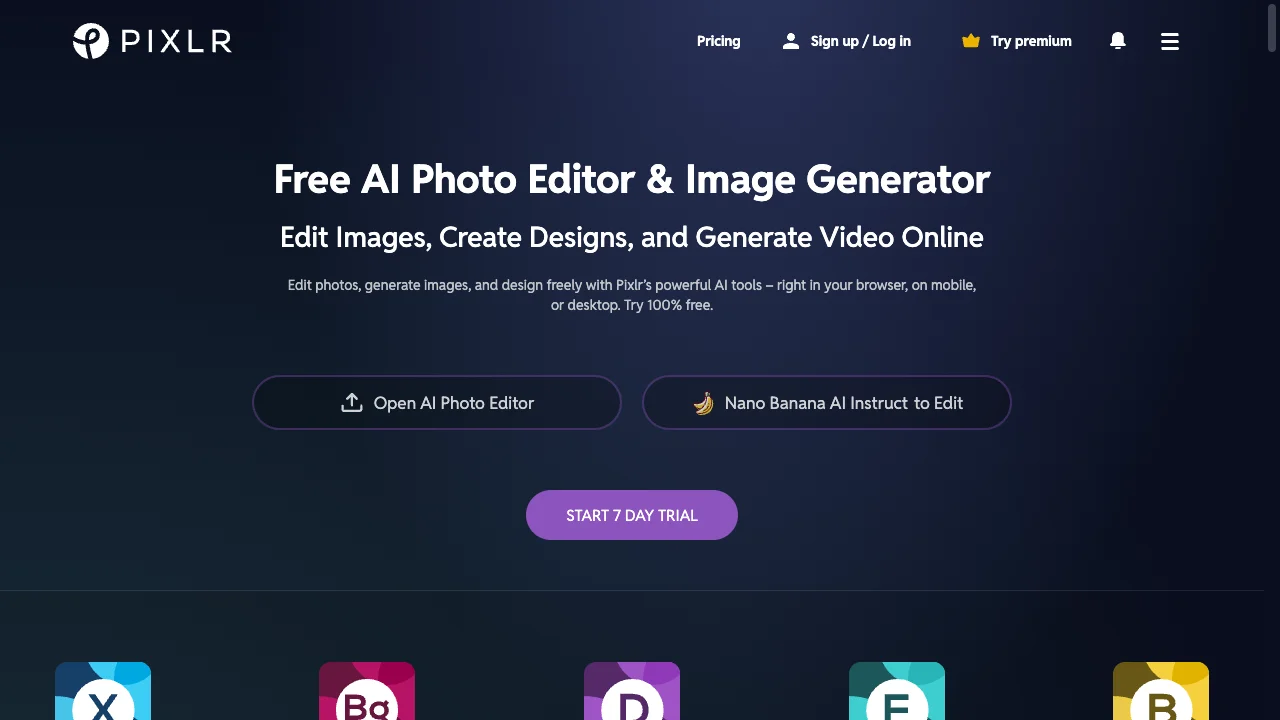
#pixlr background remover#pixlr vs background remover#pixlr alternative#pixlr pricing
Quick Verdict: Pixlr is the browser-based "Photoshop alternative" with four editor modes (Express, Editor, Designer, Batch), PSD file support, and AI tools like face swap and generative fill—all starting at $1.49/mo with yearly billing. It's ideal for users who need a full photo editor, not just background removal. Background Remover at $5/mo focuses exclusively on edge-perfect background removal with batch processing. Choose Pixlr if you need a complete web-based editor with PSD support. Choose Background Remover if you want the best background removal results without learning a complex editor.
Our Ratings
Metric
Pixlr
Background Remover
Overall
⭐ 3.9/5
⭐ 4.6/5
Edge Quality
⭐ 3.8/5
⭐ 4.5/5
Speed
⭐ 4.1/5
⭐ 4.5/5
Value
⭐ 4.2/5
⭐ 4.9/5
Ease of Use
⭐ 4.4/5
⭐ 4.8/5
Quick Comparison
Feature
Pixlr
Background Remover
Starting Price
$1.49/mo
$5/mo
Free Tier
Yes
Yes
API Access
❌ No
❌ No
Mobile App
✅ Yes
❌ No
Technical Specifications
Specification
Pixlr
Background Remover
Max File Size
Not specified
10MB
Input Formats
JPG, PNG, PXD, TIFF, BMP, PSD, WEBP, SKETCH
JPG, PNG, WEBP
Output Format
JPG, PNG, PDF, WEBP
PNG
No Account Needed
—
✅ Yes
Note: Pixlr is a browser-based editor where file size limits depend on device memory and browser capabilities. Supports extensive format variety including PSD.
Hands-On Background Removal Test
We tested Pixlr and BackgroundRemover.com using the same portrait image to compare the background removal results directly. We compared the finished cutouts for edge quality, leftover background, and whether each result was ready to use.
Original test image
BackgroundRemover.com result
Pixlr result
Pixlr produced a usable cutout, but it remains a broader editor. The hands-on test is useful because many users only need the removal step, not a full editing workspace.
What we looked for: clean subject separation, natural edges, preserved details, and whether any original background remained around the subject. BackgroundRemover.com returned a focused cutout that was ready to use without opening a larger design editor. Pixlr kept the portrait usable and removed the original background cleanly enough for common web graphics.
Practical winner: BackgroundRemover.com wins for speed and fewer decisions. Pixlr makes sense when you want manual editing controls after removal.
About Pixlr
Pixlr is a popular free online photo editor that has evolved into a comprehensive AI-powered creative suite. Often described as "Photoshop's chill cousin," Pixlr provides professional-level editing capabilities directly in your web browser with no installation required.
The platform offers multiple editor interfaces: Pixlr Express (AI-powered, beginner-friendly), Pixlr Editor (advanced Photoshop-like interface), Pixlr Designer (template-based design), and a dedicated Batch Editor for bulk processing. The AI Cutout tool (background removal) uses intelligent detection to separate subjects from backgrounds.
Pixlr integrates with Nano Banana for AI image generation and offers tools like AI Face Swap, generative fill, and image upscaling. The service supports 13+ languages and works across desktop, mobile (iOS/Android apps), and web.
Key Features
AI Background Removal (AI Cutout) with one-click operation
Extensive format support: including PSD, WEBP, TIFF, SKETCH files
AI tools: Text-to-image, generative fill, face swap, upscaler
Mobile apps available for iOS and Android
No installation - runs entirely in browser
Pricing Comparison (Updated May 2026)
Pixlr Pricing
Plan
Price
Features
Free
Free
Basic tools (with ads)
Plus
$1.49/mo
Ad-free, AI Cutout
Premium
$6.49/mo
All tools + 18K assets
Creative Pack
Contact
Unlimited stock + all features
Yearly billing saves ~50%. Prices shown are for annual plans.
Background Remover Pricing
Plan
Price
Credits
Per Image
Starter
$5/mo
50
$0.10
Pro
$25/mo
250
$0.10
Ultra
$100/mo
1000
$0.10
💡 Key Insight: Background Remover offers better value with plans starting at $5/mo for 50 images. Compare pricing carefully based on your monthly volume needs.
Choose Pixlr If:
✅ You're a freelancer who needs PSD file support without Photoshop: Pixlr opens and edits native Photoshop files in your browser—remove backgrounds from client PSD files, make edits, and export without expensive Adobe subscriptions
✅ You're a budget-conscious creator who needs a full photo editor: At $1.49/mo (yearly), Pixlr bundles background removal with advanced editing tools (layers, masks, filters, generative fill)—cheaper than Photoshop's subscription
✅ You're working across devices and need mobile + web continuity: Pixlr's iOS/Android apps complement the web editor—start edits on mobile, finish on desktop with the same toolset including AI Cutout background removal
✅ You're a student or hobbyist who prefers ad-supported free access: Pixlr's free tier includes basic background removal with ads—if you only need occasional removal and don't mind ads, it costs nothing
✅ You're exploring AI creative tools beyond background removal: Pixlr integrates AI face swap, text-to-image generation, and generative fill—one platform for experimenting with multiple AI editing capabilities
Choose Background Remover If:
✅ You're a professional photographer who prioritizes edge quality: Background Remover's dedicated AI handles hair, fur, and semi-transparent subjects better than Pixlr's generalist AI Cutout tool—critical for client-facing work
✅ You're an e-commerce seller with high-volume batch needs: Background Remover processes 50+ images simultaneously with consistent results—Pixlr's Batch Editor is limited and background removal quality varies across images
✅ You're already invested in Photoshop or Lightroom workflows: You don't need another photo editor—you need a specialist tool that does background removal exceptionally well and exports clean PNGs for your existing pipeline
✅ You're cost-conscious and process 50+ images monthly: At $5/mo for 50 dedicated background removal credits, Background Remover offers better value than paying $6.49/mo for Pixlr Premium (with shared AI limits across all features)
✅ You want a focused tool without a learning curve: Background Remover's single-purpose interface means instant productivity—no navigating four different editor modes (Express, Editor, Designer, Batch) to find background removal
Pros & Cons
Pixlr
Pros:
Free tier available
Multiple editor options
Mobile app
Affordable premium
AI tools included
Cons:
Background removal limited on free
Quality not top-tier
Ads on free version
No batch processing
Background Remover
Pros:
Best value for high-volume teams
Clean, modern interface
Fast processing (5 seconds)
Reliable batch processing
Straightforward pricing
Cons:
No mobile app yet
No API access
Desktop-focused workflow
FAQ
Is Pixlr background remover free?
Pixlr offers limited free background removal. Premium features require Plus ($1.49/mo) or Premium ($6.49/mo).
Is Pixlr good for background removal?
Pixlr is decent for casual use. For regular professional use, dedicated tools offer better results.
How does Pixlr compare to Background Remover?
Pixlr is a general editor with removal features. Background Remover specializes in removal with better quality.