#photopea background remover#photopea vs background remover#photopea alternative#free photoshop alternative
Quick Verdict: Photopea is a remarkable free browser-based Photoshop alternative supporting 50+ formats including PSD, AI, XD, Sketch, and Figma files. All processing happens 100% locally—your images never leave your device, making it ideal for confidential work. The trade-off is that background removal requires manual effort with selection tools. Background Remover delivers instant AI-automated results in ~5 seconds at $5/mo with batch processing. Choose Photopea if you need Photoshop-level control for free, handle sensitive images requiring offline processing, or already work with PSD files. Choose Background Remover if you value speed, need batch processing, or want results in seconds without manual work.
Our Ratings
Metric
Photopea
Background Remover
Overall
⭐ 4.1/5
⭐ 4.6/5
Edge Quality
⭐ 4/5
⭐ 4.5/5
Speed
⭐ 3.5/5
⭐ 4.5/5
Value
⭐ 4.8/5
⭐ 4.9/5
Ease of Use
⭐ 3.5/5
⭐ 4.8/5
Quick Comparison
Feature
Photopea
Background Remover
Starting Price
$5/mo
$5/mo
Free Tier
Yes
Yes
API Access
❌ No
❌ No
Mobile App
❌ No
❌ No
Technical Specifications
Spec
Photopea
Background Remover
Max File Size
Limited by device memory
10MB
Input Formats
50+ formats: PSD, AI, XD, PNG, JPG, GIF, SVG, PDF, HEIC, RAW, TIFF, WebP, Figma, Sketch, and more
JPG, PNG, WEBP
Output Format
PSD, PNG, JPG, SVG, PDF, GIF, WebP, and more
PNG
No Account Needed
✅ Yes
✅ Yes
Hands-On Background Removal Test
We tested Photopea and BackgroundRemover.com using the same portrait image to compare the background removal results directly. We compared the finished cutouts for edge quality, leftover background, and whether each result was ready to use.
Original test image
BackgroundRemover.com result
Photopea result
Photopea is powerful, but its strength is manual editing control. On this background removal test, the question is whether that flexibility is worth extra complexity.
What we looked for: clean subject separation, natural edges, preserved details, and whether any original background remained around the subject. BackgroundRemover.com returned a focused cutout that was ready to use without opening a larger design editor. Photopea produced a usable cutout, but its value is highest when someone is comfortable working in a Photoshop-like editor.
Practical winner: BackgroundRemover.com is the better fit for users who want the cutout quickly without learning an editing interface. Photopea is the better fit for hands-on editors.
About Photopea
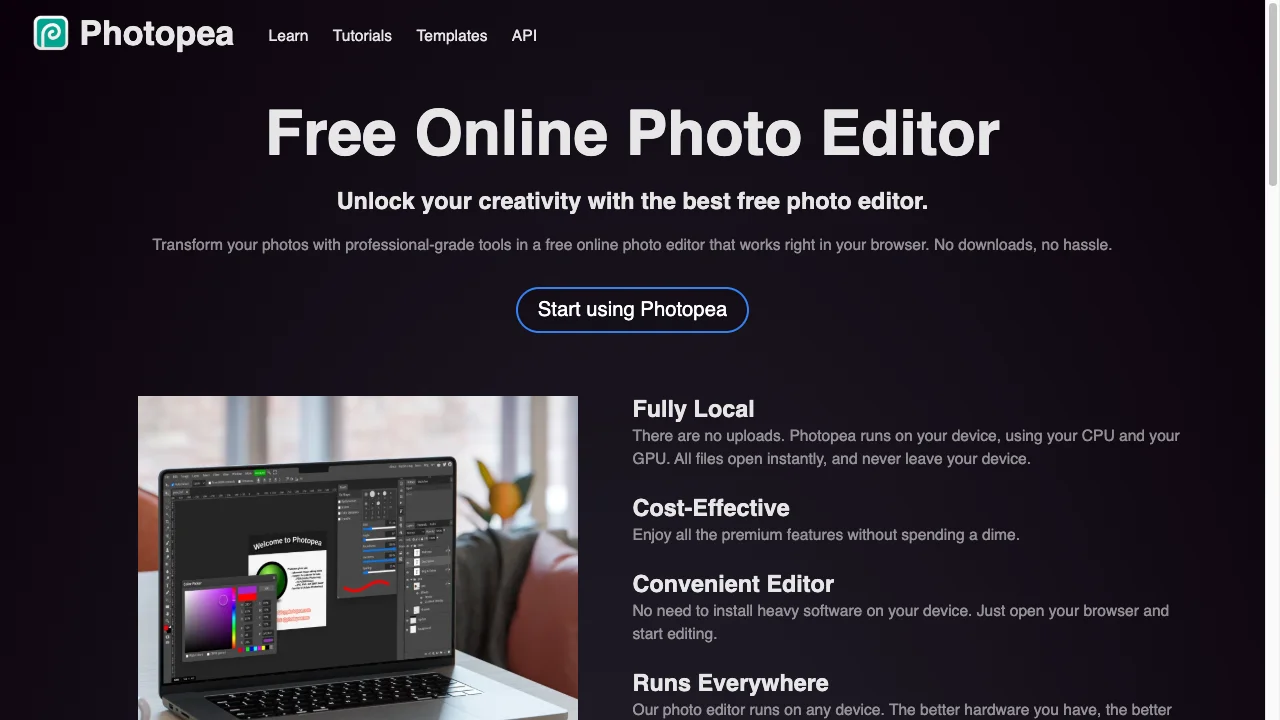
Photopea is a free, browser-based Photoshop alternative created by Ivan Kutskir. It's been in development since 2013 and offers professional-grade raster and vector editing with no downloads required. All processing happens locally on your device - no images are uploaded to any server.
Key Features
Completely free: Unlimited use with ads, or $5/month for ad-free Premium
Photoshop-compatible: Full PSD, AI, Sketch, XD, and Figma file support with layers, masks, and smart objects
No signup required: Start editing immediately in your browser
50+ format support: Including RAW camera files (DNG, CR2, CR3, NEF, ARW, RW2, RAF, ORF), HEIC, TIFF, PDF, EPS, INDD, and animated formats (GIF, MP4, WEBM)
Privacy-first: 100% local processing - files never leave your device
AI tools: One-click background removal and AI content replacement features
Pricing Comparison (Updated May 2026)
Photopea Pricing
Plan
Price
Credits
Free
Free
Unlimited
Premium
$5/mo
Unlimited
Background Remover Pricing
Plan
Price
Credits
Per Image
Starter
$5/mo
50
$0.10
Pro
$25/mo
250
$0.10
Ultra
$100/mo
1000
$0.10
💡 Key Insight: Background Remover offers better value with plans starting at $5/mo for 50 images. Compare pricing carefully based on your monthly volume needs.
Choose Photopea If:
✅ You work with PSD, Sketch, Figma, XD, or Adobe Illustrator files: Photopea is the only free browser-based tool that opens and edits 50+ professional formats with full layer support—perfect if your workflow already includes these file types
✅ You need complete privacy with 100% local processing: Photopea runs entirely in your browser with zero cloud uploads—ideal for sensitive client work, NDA-protected projects, or confidential images that can't leave your device
✅ You want Photoshop-level editing without the subscription: Layer masks, adjustment layers, smart objects, vector shapes, and professional color tools—all free (with ads) or $5/mo for ad-free
✅ You're editing complex compositions beyond just background removal: If you need to composite multiple images, add text, apply filters, or do full photo retouching after removing the background, Photopea does it all in one place
✅ You're a student or freelancer who needs professional tools without upfront costs: Start editing immediately in any browser—no account, no credit card, no software installation required
Choose Background Remover If:
✅ You need instant AI results without learning selection tools or layer masks: Background Remover delivers professional edge quality in 5 seconds—no Photoshop skills required, no time spent manually tracing subjects
✅ You're processing product photos, headshots, or marketing images at scale: Batch upload 50-1,000 images and download them all with transparent backgrounds—impossible to match manually in Photopea
✅ You want the most time-efficient workflow for background-only tasks: While Photopea offers powerful editing, it requires manual work for each background removal. Background Remover is purpose-built for speed.
✅ You prefer a focused, distraction-free interface: No 200+ menu options or floating panels—just upload, process, and download. The simplest path from image to transparent background.
✅ You need predictable results for client deliverables and deadlines: AI-powered consistency means every image gets the same quality treatment, while manual Photopea work varies by your skill and available time
Pros & Cons
Photopea
Pros:
Completely free to use
Photoshop-like features
No signup required
PSD file support
Browser-based
Cons:
Manual process required
No AI automation
Steep learning curve
Time-consuming for multiple images
Background Remover
Pros:
Best value for high-volume teams
Clean, modern interface
Fast processing (5 seconds)
Reliable batch processing
Straightforward pricing
Cons:
No mobile app yet
No API access
Desktop-focused workflow
FAQ
Is Photopea really free?
Yes, Photopea is completely free with ads. Premium ($5/month) removes ads.
Can Photopea remove backgrounds automatically?
Photopea has some AI features but primarily uses manual tools. It's not as fast as dedicated AI tools.
How does Photopea compare to Background Remover?
Photopea offers more editing power but requires manual work. Background Remover is faster with automatic AI removal.