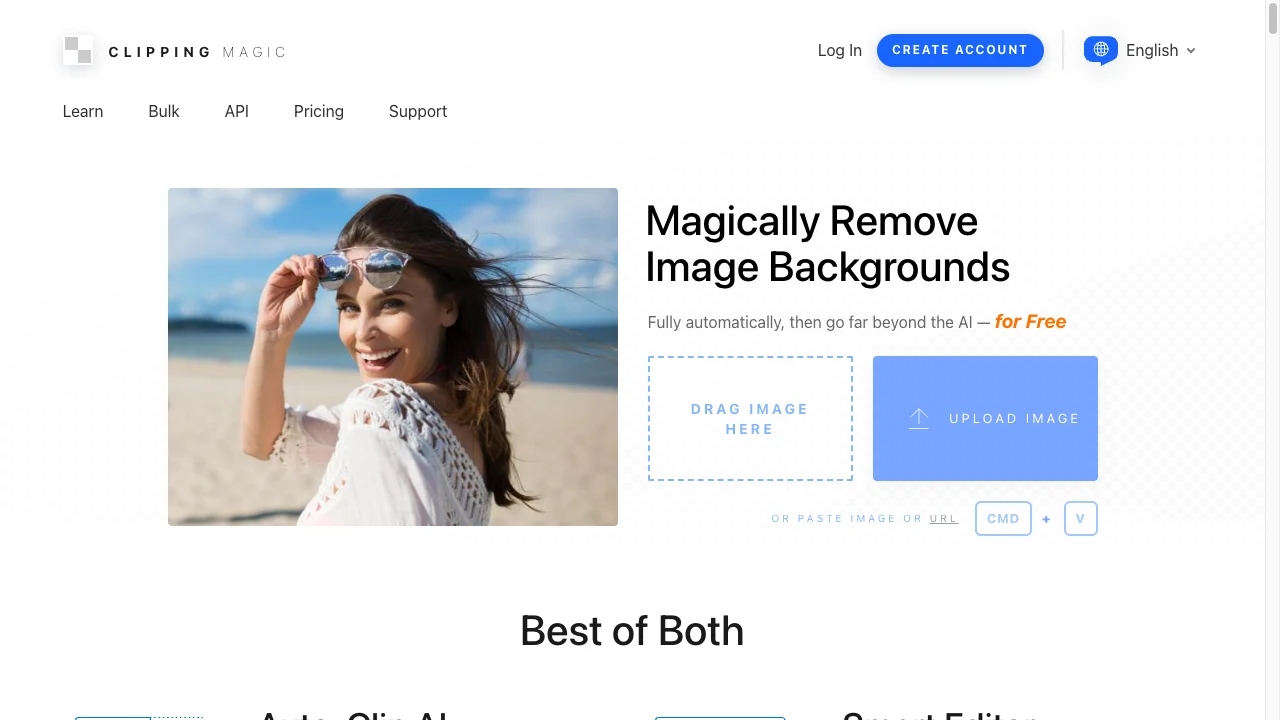
Quick Verdict: Clipping Magic is a professional-grade tool trusted by 200,000+ customers with a unique Smart Editor featuring manual refinement tools (keep, remove, hair, scalpel) for pixel-perfect control—ideal when AI alone doesn't cut it. It also offers API access for developers and white-label solutions. Background Remover excels at fast, fully-automated AI removal with better per-image value ($0.10 vs $0.27 at entry level). Choose Clipping Magic if you need manual edge refinement for complex images or API integration for your product. Choose Background Remover if you want quick, hands-off results with batch processing and straightforward pricing.
Our Ratings
Metric
Clipping Magic
Background Remover
Overall
⭐ 4.3/5
⭐ 4.6/5
Edge Quality
⭐ 4.6/5
⭐ 4.5/5
Speed
⭐ 4/5
⭐ 4.5/5
Value
⭐ 3.8/5
⭐ 4.9/5
Ease of Use
⭐ 4.2/5
⭐ 4.8/5
Quick Comparison
Feature
Clipping Magic
Background Remover
Starting Price
$3.99/mo
$5/mo
Free Tier
Yes
Yes
API Access
✅ Yes
❌ No
Mobile App
❌ No
❌ No
Technical Specifications
Specification
Clipping Magic
Background Remover
Max File Size
Not specified
10MB
Input Formats
JPG, PNG, JPEG
JPG, PNG, WEBP
Output Format
PNG
PNG
No Account Needed
—
✅ Yes
Hands-On Background Removal Test
We tested Clipping Magic and BackgroundRemover.com using the same portrait image to compare the background removal results directly. We compared the finished cutouts for edge quality, leftover background, and whether each result was ready to use.
Original test image
BackgroundRemover.com result
Clipping Magic result
Clipping Magic produced a strong portrait cutout and is one of the more established dedicated options. Its value depends on how much manual refinement you want.
What we looked for: clean subject separation, natural edges, preserved details, and whether any original background remained around the subject. BackgroundRemover.com returned a focused cutout that was ready to use without opening a larger design editor. Clipping Magic returned a clean subject cutout and is useful when manual edge cleanup is part of the workflow.
Practical winner: BackgroundRemover.com is better when speed and simple batch output matter more. Clipping Magic is strong for users who want control and refinement.
About Clipping Magic
Clipping Magic is a professional-grade background removal tool developed by Cedar Lake Ventures, Inc. Founded with a focus on precision editing, it's trusted by over 200,000 customers worldwide. The platform combines AI-powered auto-clipping with a unique Smart Editor that offers manual refinement tools, making it popular among professional photographers, e-commerce businesses, and graphic designers.
Key Features
AI Auto-Clip technology trained on millions of real-world images
Smart Editor with keep, remove, hair tools, and scalpel
Manual refinement tools for precision cut-outs
Bulk Clipping for large catalogs (Standard plan+)
API available with multiple integration options
Processing modes for photos, graphics, and scans
Sticky settings for consistent batch processing
17+ languages supported
Pricing Comparison (Updated May 2026)
Clipping Magic Pricing
Plan
Price
Credits
Per Image
Light
$3.99/mo
15
$0.27
Standard
$7.99/mo
100
$0.08
Pro
$19.99/mo
500
$0.04
Background Remover Pricing
Plan
Price
Credits
Per Image
Starter
$5/mo
50
$0.10
Pro
$25/mo
250
$0.10
Ultra
$100/mo
1000
$0.10
💡 Key Insight: Background Remover offers better value with plans starting at $5/mo for 50 images. Compare pricing carefully based on your monthly volume needs.
Choose Clipping Magic If:
✅ You're a professional photo retoucher who needs manual control: The Smart Editor with keep, remove, hair, and scalpel tools gives pixel-perfect control when AI alone doesn't cut it—essential for complex jewelry, fine hair, or intricate lace
✅ You're a developer building a product that needs background removal: Clipping Magic offers Auto-Clip API, Hosted Smart Editor, and white-label solutions—integrate directly into your e-commerce platform or photo app
✅ You're processing 500+ images monthly and need bulk automation: Standard ($7.99/mo for 100 credits) and Pro ($19.99/mo for 500 credits) plans with Bulk Clipping handle large catalog uploads efficiently
✅ You work with difficult subjects that require human judgment: Some images need a trained eye to decide what stays and goes—Clipping Magic's manual tools let you make those calls
✅ You need consistent styling across thousands of product images: Sticky settings ensure the same crop, padding, and background are applied consistently across your entire catalog
Choose Background Remover If:
✅ You're a solo seller or small team who wants hands-off automation: Background Remover's AI handles 90%+ of images perfectly without manual intervention—faster workflow for non-retouchers
✅ You prefer better per-image value at entry level: $5/mo for 50 images ($0.10/image) beats Clipping Magic's $3.99/mo for 15 images ($0.27/image) significantly
✅ You want a modern, intuitive interface: Background Remover's clean design is easier to navigate than Clipping Magic's more dated Smart Editor interface
✅ You process 50-250 images monthly without edge cases: For standard product photos, portraits, and common subjects, Background Remover's AI delivers consistently without manual touch-up
✅ You need fast batch processing without setup: Upload multiple images and process in one click—no configuring crop settings or sticky preferences required
Pros & Cons
Clipping Magic
Pros:
Manual refinement tools
Excellent edge detection
Professional-grade quality
API available
Batch processing
Cons:
No free tier
Steeper learning curve
No mobile app
Interface dated
Background Remover
Pros:
Best value for high-volume teams
Clean, modern interface
Fast processing (5 seconds)
Reliable batch processing
Straightforward pricing
Cons:
No mobile app yet
No API access
Desktop-focused workflow
FAQ
Is Clipping Magic free?
No, Clipping Magic has no free tier. Plans start at $3.99/month for 15 images.
Is Clipping Magic better than Background Remover?
Clipping Magic offers more manual control. Background Remover is easier and offers better value for automatic removal.
Does Clipping Magic have an API?
Yes, Clipping Magic offers API access for developers and integrations.